
If you're searching for a talking parents alternative, you're usually deciding one of three things: whether to leave TalkingParents after its free plan ended, whether to commit to a paid TalkingParents subscription, or whether to pick a different platform before your custody case picks up. This comparison is written to help with that decision, not to sell you on one answer.
We build Parenting Path, so we have an obvious bias. We've flagged that bias openly and pointed to the specific situations where TalkingParents is still the better choice. The goal is a clean, fact-checked read so you can make the call yourself.
For most two-parent families looking for messaging, calendar, expense tracking, and court-ready records, Parenting Path is meaningfully cheaper and includes more conflict-reduction tools.
TalkingParents still wins for families whose court order specifically requires recorded calls, or for parents who prefer a longer track record over newer tooling.
At-a-Glance Comparison
| Parenting Path | TalkingParents | |
|---|---|---|
| Pricing model | One price per family | Per parent (each parent pays) |
| Free plan | Yes — permanent, both parents covered | Removed March 30, 2026 |
| Lowest paid tier | $17.99 / mo Standard (whole family) | $7 / mo Essentials × 2 = $14 / mo |
| Top tier | $34.99 / mo Pro (whole family) | $32 / mo Ultimate × 2 = $64 / mo |
| Annual top-tier cost | $329.99 / yr per family | $768 / yr per family |
| Court-ready records | Yes — SHA-256 integrity-verified | Yes — "Record" service |
| AI hostile-message filter | Yes (Pro tier) | No |
| Recorded phone calls | No | Yes (Ultimate tier) |
| Court order parser (OCR) | Yes (Standard and Pro) | No |
| Two-way Google / Apple Calendar sync | Yes (Standard and Pro) | Limited |
| DV Safety Mode (Quick-Exit, EXIF strip) | Free on all plans | Not offered as a packaged mode |
| Attorney / mediator portal | Yes (Pro tier) | Add-on |
| Children included in price | Yes — all children covered | Yes |
Pricing sourced from each provider's site as of May 2026 and re-checked quarterly. We acknowledge the conflict of interest in reviewing our own product and have noted where TalkingParents is the better pick for specific situations.
Pricing: Per-Family vs. Per-Parent
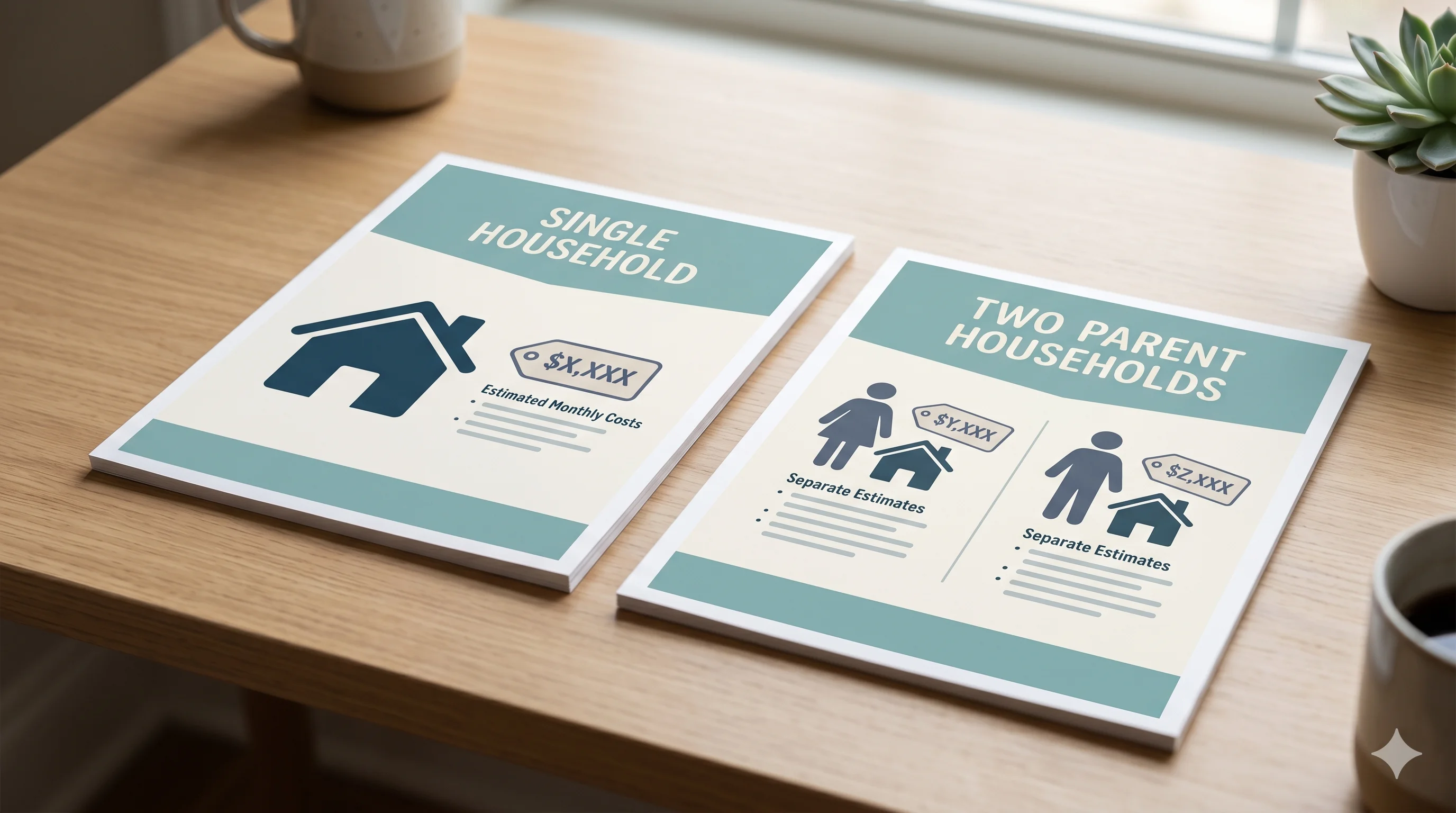
This is the largest single difference between the two platforms, and it shows up on your statement every month for years.
TalkingParents charges each parent separately. After the March 30, 2026 removal of the free mobile tier, every TalkingParents user is on Essentials ($7/mo), Enhanced ($16/mo), or Ultimate ($32/mo) — pricing confirmed on the TalkingParents plans page. Because both parents need accounts to use the service, the real cost to a family is double the sticker price.
Parenting Path charges one price per family. Both parents and all children are included in a single subscription. Free is permanent, Standard is $17.99/mo or $169.99/yr, Pro is $34.99/mo or $329.99/yr. There is no per-parent surcharge and no upcharge for a third or fourth child.
Over three years — the typical length of an active custody documentation period — the difference compounds:
| Plan | Parenting Path (family) | TalkingParents (family of 2 parents) |
|---|---|---|
| Lowest paid | $647.64 (3 yrs Standard) | $504 (3 yrs Essentials, $14/mo combined) |
| Top tier | $989.97 (3 yrs Pro) | $2,304 (3 yrs Ultimate, $64/mo combined) |
TalkingParents Essentials looks competitive on lowest-tier price, but Essentials lacks the records and reporting most attorneys actually rely on. Once a family steps up to Enhanced or Ultimate to get usable evidence, the per-family math swings hard the other way.
One price per family. Both parents and all children covered on every Parenting Path plan — Free, Standard, and Pro.
See pricing →Court Records and Evidence

Both platforms produce timestamped, integrity-verified message logs that are designed to support attorney review. Neither one is formally certified by U.S. courts — no co-parenting app is — but records from both have been accepted as evidence in family court matters. The National Center for State Courts maintains general guidance on digital communication records and the standards courts apply when reviewing them.
Where they differ is in how the records are produced and what gets included:
- Parenting Path generates court reports on demand, signed with SHA-256 hashing and a permanent record ID. The Pro tier produces an attorney-ready PDF in roughly 90 seconds, with optional filters by date range, child, expense category, or court order clause.
- TalkingParents stores messages in an append-only log and offers a separate paid "Record" service that compiles the official certified copy. Some compilations carry an additional generation fee depending on the tier and the size of the export.
For most contested matters, both formats meet the evidentiary standard that family courts apply to digital communication records. If your attorney has a strong preference for one platform's report format because they've worked with it before, that preference is worth weighing.
Communication Features

Messaging. Both apps lock messages once sent and timestamp every entry. Parenting Path adds an AI tone check that flags hostile or escalating language before a message goes out, and offers an optional rewrite suggestion — that feature is on the Pro tier and is documented on the AI message filtering page. TalkingParents does not analyze tone.
Calls. TalkingParents records voice and video calls on the Ultimate tier. Parenting Path does not record calls at launch. If your court order requires recorded calls, this is a genuine reason to choose TalkingParents.
Calendar. Parenting Path offers two-way Google Calendar and Apple Calendar sync on the Standard and Pro tiers, plus the court order parser that auto-creates calendar events from a scanned custody order. TalkingParents has a shared calendar but limited external sync.
Expenses. Both apps support shared expense logging. Parenting Path adds custom percentage splits and the option to attach receipts that ride into the court report. Read more in our expense-tracking guide.
Court-Ordered Families
If a judge has ordered you to use a co-parenting communication app, the practical questions are: which features does my attorney want to see, and does the platform make the next hearing easier?
Parenting Path's Pro tier includes a court order parser that reads a scanned custody order, extracts the parenting time schedule into the calendar, and then monitors actual handoffs against the ordered schedule. Deviations are logged automatically into the court report. TalkingParents does not parse court orders.
The attorney portal gives your lawyer read-only access to your communication record without you forwarding screenshots. TalkingParents offers a similar feature as a separate add-on.
If you're new to court-ordered apps, our overview of court-approved co-parenting platforms walks through what judges actually look at.
High-Conflict Situations
High-conflict co-parenting is the situation Parenting Path was designed around. The AI tone filter, dispute resolution mode, and structured topic threading exist specifically to reduce the volume and intensity of hostile messages. American Psychological Association guidance on child custody and divorce consistently identifies parental conflict — not separation itself — as the strongest predictor of negative outcomes for children, which is why reducing message-level hostility matters more than logging it after the fact.
TalkingParents takes a different approach: it locks the record and lets the documentation itself act as the deterrent. That model works for some families. For others, knowing every message is permanent isn't enough to keep tempers cool at 11 PM — and that's the gap Parenting Path's AI filter is built to fill.
Neither tool replaces a therapist, mediator, or parenting coordinator. If a third-party professional is involved in your case, ask which platform they prefer to receive records from.
DV Survivors and Safety

DV survivors have specific requirements that go beyond standard co-parenting features: a way to exit the app quickly, photo metadata stripping so the abusive parent can't extract location from shared images, and a fee waiver so cost isn't a barrier to safety.
- Parenting Path includes DV Safety Mode free on every plan — Quick-Exit, automatic EXIF strip on shared photos, and a discreet app icon option. The free tier is permanent.
- TalkingParents offers a fee waiver for users who qualify for financial or domestic violence support. It does not package a single "DV Safety Mode" feature set the way Parenting Path does.
Screenshot detection on either platform is own-device only — neither app can detect when the other parent screenshots a message from their own phone. Treat any platform's screenshot warning as a deterrent, not a guarantee.
Safety note: If you are in immediate danger, call 911 or the National Domestic Violence Hotline at 1-800-799-7233.
Who Should Choose TalkingParents
There are real situations where TalkingParents is the right pick. Be honest about which one applies:
- Your court order requires recorded calls. TalkingParents Ultimate records voice and video calls. Parenting Path does not record calls at launch.
- Your attorney has worked with TalkingParents records for years and has a strong preference for that report format. The TalkingParents App Store listing shows a long review history reflecting that track record, and continuity often reduces friction during litigation.
- You and your co-parent are both already on a paid TalkingParents plan and the migration cost outweighs the per-family savings. Run the math before switching.
- You only need basic message documentation and the lower Essentials tier covers your case. At $7/mo per parent, two parents on Essentials pay $168/yr — close to Parenting Path Standard's family price.
Who Should Choose Parenting Path
Parenting Path is the stronger pick if any of these apply:
- You want a permanent free tier that covers both parents at $0/mo with messaging, calendar, expenses, and DV Safety Mode.
- You're paying for two TalkingParents accounts at Enhanced or Ultimate and the per-family pricing model would cut your annual bill significantly.
- Your case involves hostile messages, and you want an AI tone filter to reduce escalation before it lands in the record.
- You have a complex custody order with detailed parenting time clauses, and you want the calendar to auto-populate from the scanned order.
- You're a DV survivor who needs Quick-Exit, EXIF strip, and a discreet icon on a permanent free plan.
For a wider look at the category, see our best co-parenting apps of 2026 roundup and our OurFamilyWizard alternatives comparison.
How to Switch from TalkingParents to Parenting Path
If you decide to move, do it in this order so nothing is lost:
- Export your TalkingParents records first. Pull your message history, calendar, and any "Record" exports through your TalkingParents account before you cancel.
- Notify your attorney. A short email confirming the new platform and your username keeps the record clean.
- Set up Parenting Path and invite the other parent. The family subscription covers both of you.
- Upload your court order to the parser (Standard or Pro) so the calendar is populated correctly from day one.
- Keep the TalkingParents export in your own files. Old records remain part of your case history even after you switch.
Note: If a judge ordered you to use TalkingParents specifically, check with your attorney before switching — most orders name "a co-parenting communication app" generally, but some name a specific platform.
Frequently Asked Questions
Try Parenting Path free. Both parents covered.
One price per family. AI message filtering, court order parser, and SHA-256 court reports on paid plans. DV Safety Mode free on every tier.
Join the waitlist →