
If you are in immediate danger, call 911.
National Domestic Violence Hotline: 1-800-799-7233 (24/7, TTY 1-800-787-3224). Text START to 88788. Chat at thehotline.org.
Digital safety for domestic violence survivors means controlling how devices, apps, and shared accounts can reveal your location or activity to an abuser. This guide covers seven common digital risks and practical steps to reduce them. Parenting Path’s DV Safety Mode — a covert icon, location stripping, and quick exit — is free on every plan.
If you are a survivor of domestic violence and a court order, a custody agreement, or a co-parenting relationship requires you to communicate with the other parent through an app, your digital safety is not a side concern. It is the primary concern. Every notification, every uploaded photo, every app icon on your home screen can give information away.
This guide explains what digital safety for DV survivors actually means in the context of co-parenting apps. We walk through the specific risks, what to look for in any platform you are forced to use, and the features that exist to lower exposure. Where possible, we cite the organizations whose safety-planning work shapes this field: the National Network to End Domestic Violence (NNEDV) Safety Net Project, the National Domestic Violence Hotline, and RAINN.
Safety reminder
No technology can guarantee physical safety. Co-parenting apps with safety features can reduce digital exposure and help preserve evidence. They are not a substitute for a safety plan built with a trained DV advocate. The guidance below is informational. Confirm anything before you act on it.
- Digital safety for DV survivors means controlling what an abusive co-parent — or anyone watching your phone — can learn about you through the app, the device, and the data that moves between them.
- Seven recurring risks: app icon visibility, notification previews, location metadata, screenshot detection, emergency exit, evidence preservation, and account visibility.
- The features that matter should be free on every plan. Survivors should never have to pay for safety.
- Tech-safety planning is its own discipline. NNEDV's Safety Net Project and the NDVH Tech Safety guide are the current standard.
- Build the safety plan with an advocate before optimizing the logistics.
What "digital safety for DV survivors" actually means
In most safety-planning conversations, "digital safety" is shorthand for tech safety — the practice of using technology in a way that does not expose a survivor's location, communications, identity, or evidence to the person harming them. NNEDV's Safety Net Project, the field-standard resource for this work, frames it as protection of three things: devices, accounts, and data trails.
For a survivor co-parenting with an abusive ex, the surface area is wider than people expect. A push notification preview on a lock screen can leak the content of a private message. A photo of a receipt uploaded into a co-parenting app can carry GPS coordinates inside its EXIF metadata. A recognizable app icon on a shared device can reveal that documentation is happening. None of these are theoretical. They are the everyday failure modes that survivor-serving advocates have documented for years.
A practical working definition: digital safety for DV survivors means making sure the technology you are required to use does not become another channel of surveillance, coercion, or escalation. Everything in this guide is downstream of that idea.
A note on language. We use co-parent to refer to the other parent in all cases. We also use abusive ex where the search intent specifically references that phrase, because survivors searching for this content often type it directly into Google. Throughout, we treat the survivor as the person making safety decisions, not as someone whose decisions need to be validated.
The seven digital risks in any DV co-parenting app
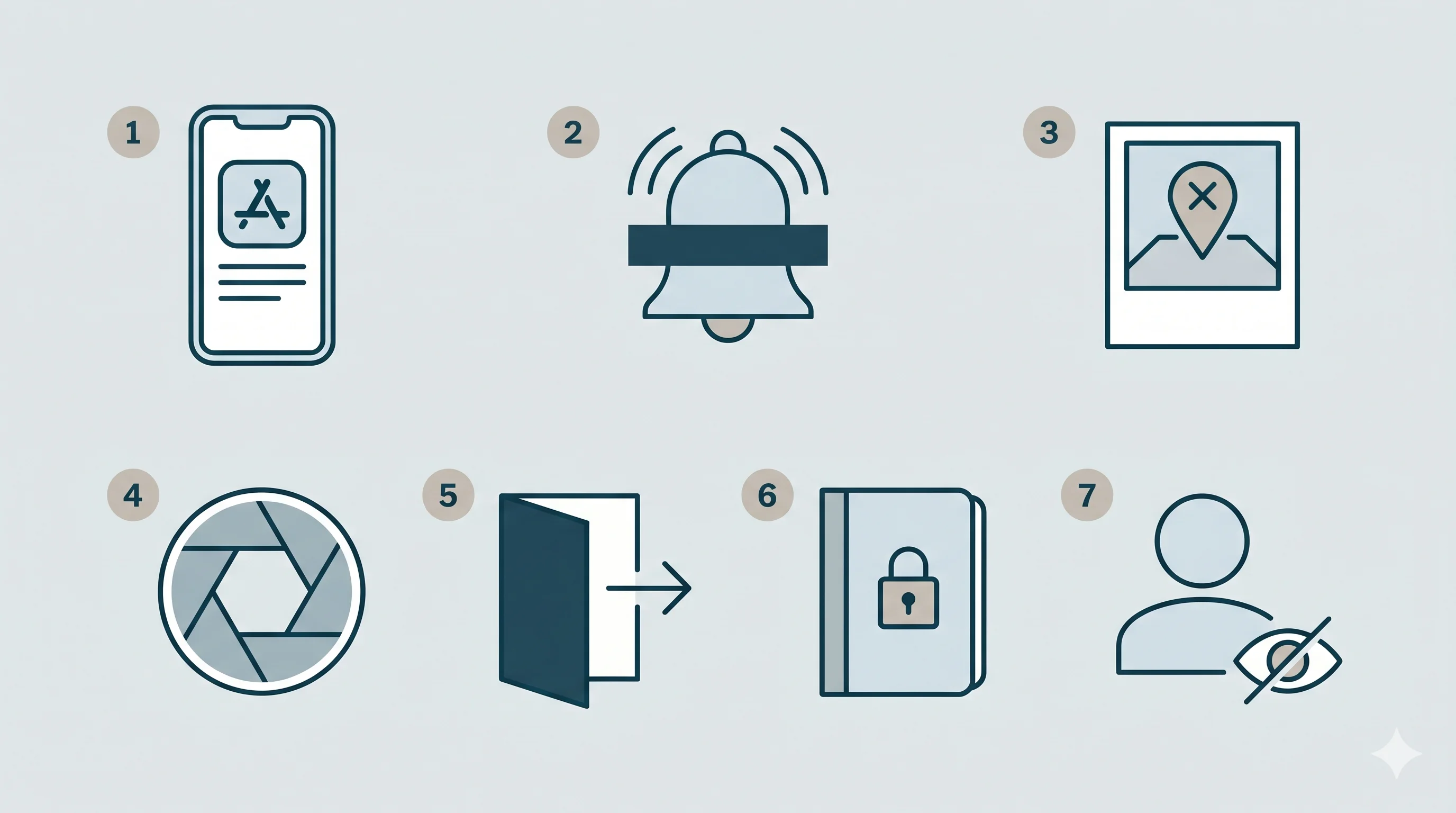
The risks below show up in some form in every co-parenting app we have evaluated. Use this list as a checklist when you assess whether a platform — required by court or chosen voluntarily — is actually safe for your situation.
1. App visibility on the home screen
If your co-parent, their family, or someone they have access to can see your phone screen, an obvious co-parenting app icon signals that you are documenting interactions. Tech-safety advocates have flagged this for years as a common trigger point during contested custody. Discovery of documentation can prompt escalation in some cases, which is why safety planning with an advocate is recommended before you install or open any app of this kind.
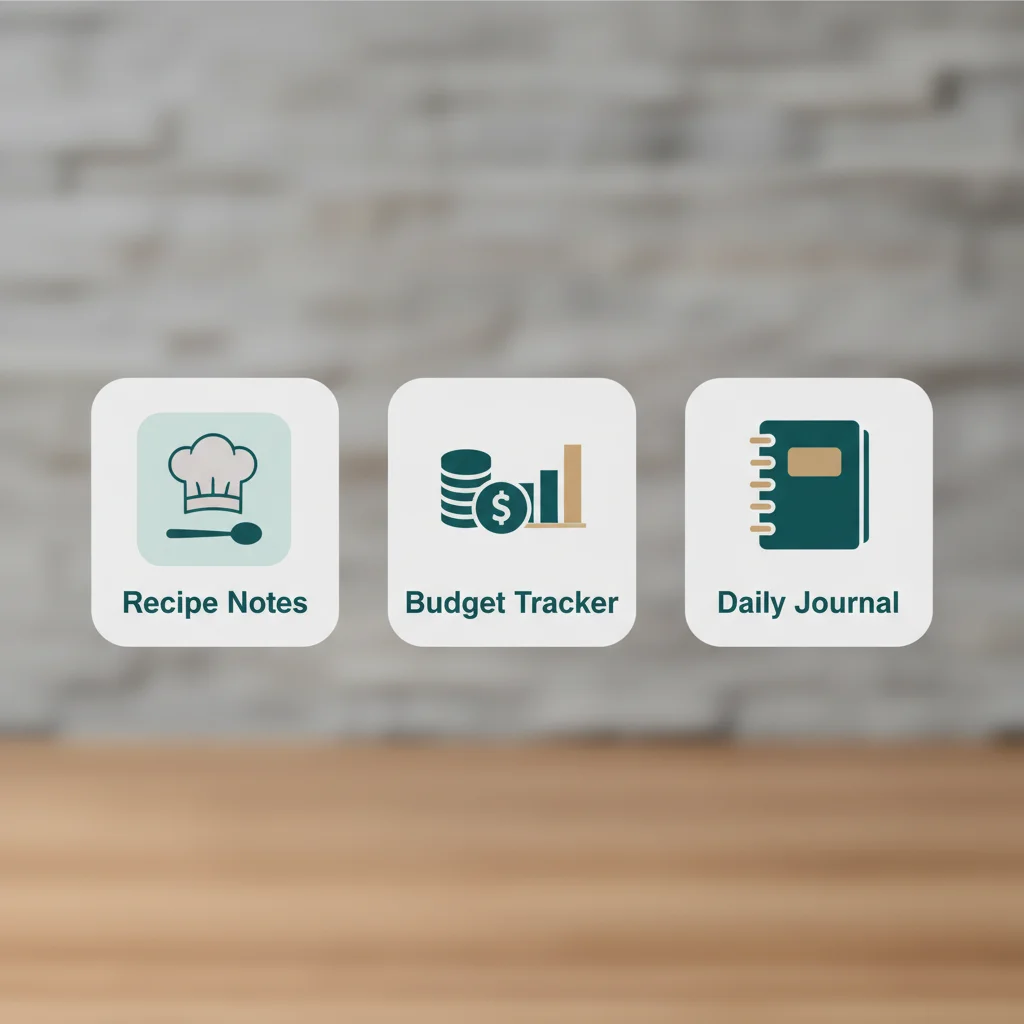
What to look for: A covert app display option that swaps the home screen icon and app name to something neutral — for example, a recipe organizer, a budget tracker, or a journaling tool. The change should also affect the app's name in the iOS or Android app switcher, not only the icon tile.
2. Notification previews on the lock screen
Push notifications that show message content on the lock screen can expose your communications to anyone within arm's length of your phone. If a notification preview reads "Your co-parent said: I know you were at..." the safety implications are immediate.
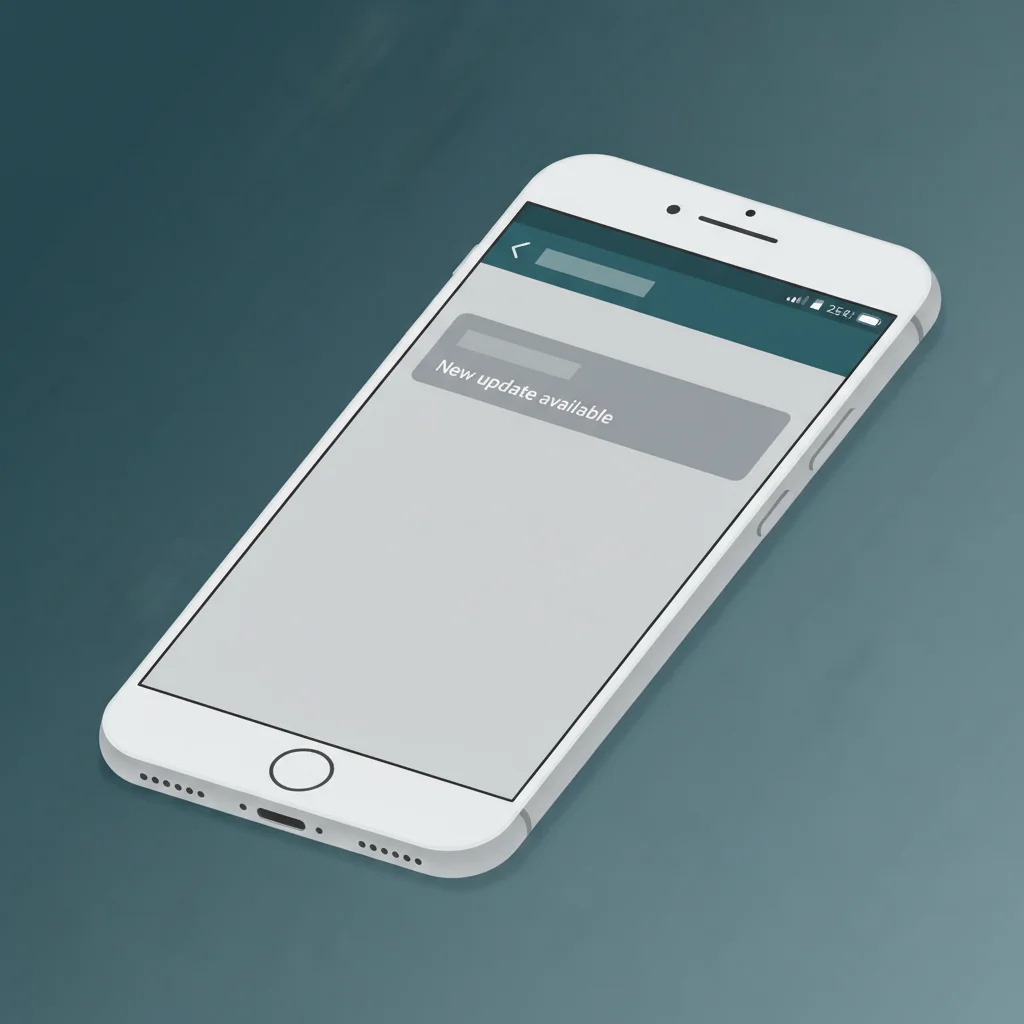
What to look for: DV-safe notification content that suppresses sender names and message bodies entirely. The preview should say something neutral — "New update available" — and require an authenticated app open to reveal anything more. The app should default to this mode for any account flagged as DV-protected, not require the survivor to find the toggle.
3. Location metadata in photos
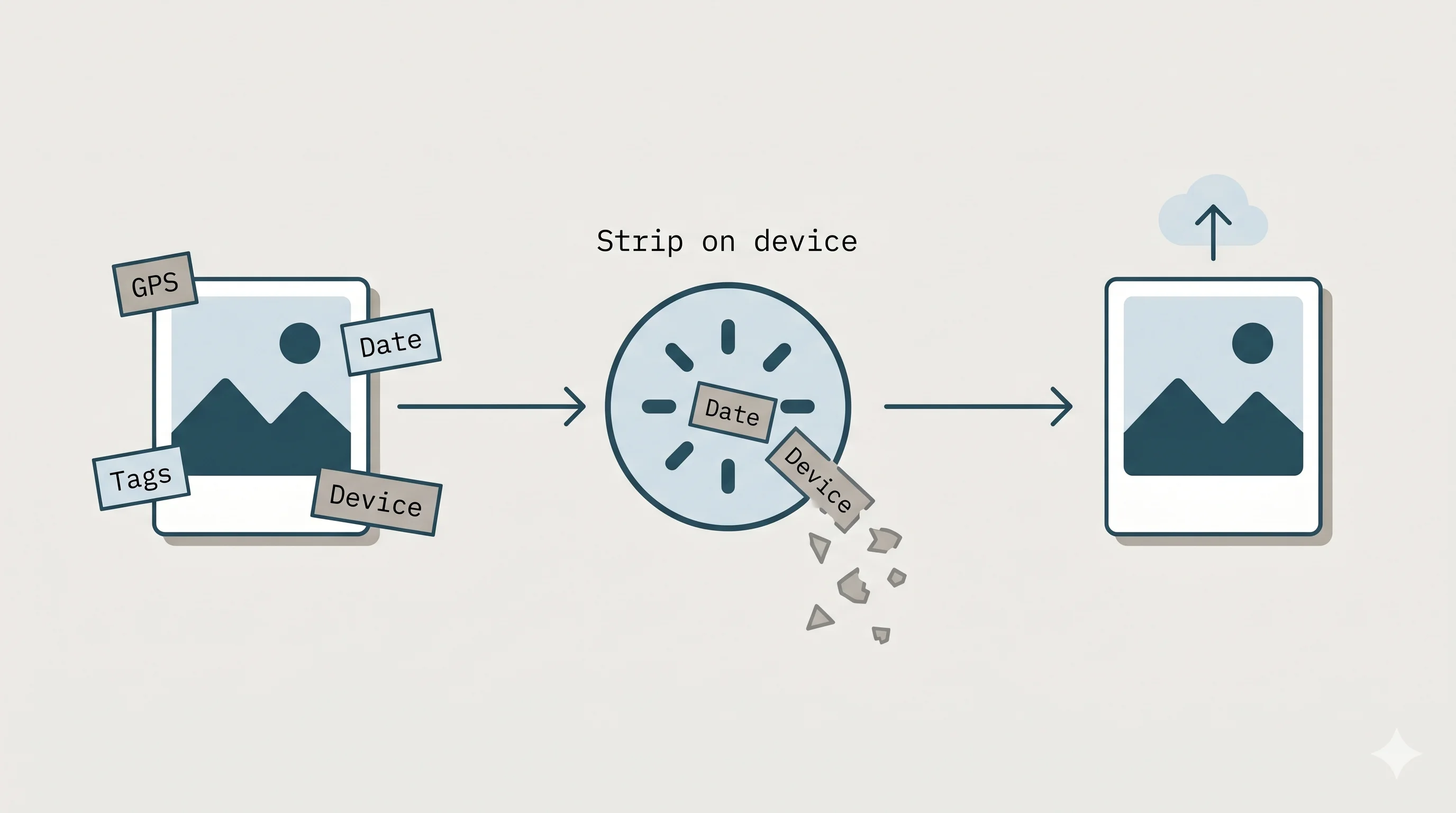
Every photo taken on a smartphone contains EXIF metadata — GPS coordinates, the precise date and time, the device model and serial fragments, sometimes the direction the phone was facing. When you upload a receipt photo, a school document, or a screenshot to a co-parenting app, that metadata can travel with the file unless the app strips it before the file reaches its servers.
What to look for: Automatic EXIF metadata stripping on every uploaded image, performed client-side before upload. Stripping after the file lands on a server is meaningfully less safe — the original metadata may live in backups, in analytics pipelines, or in moderation tools that the other parent's attorney could later subpoena. Ask the platform directly whether stripping happens before or after upload.
4. Screenshot detection
If you take a screenshot of a message thread, a court order summary, or a financial record for your own safety documentation, does the app alert the other parent? Some platforms notify both parties when a screenshot is taken. That is incompatible with survivor safety, because it telegraphs that documentation is happening.
What to look for: Own-device-only screenshot detection. Detection should fire silently and locally — used by the survivor for their own audit log — and should never trigger a notification or any other signal to the other parent. Many products have ambiguous documentation here. If the answer is not "the other parent is never notified," treat that as a warning sign.
5. Emergency exit
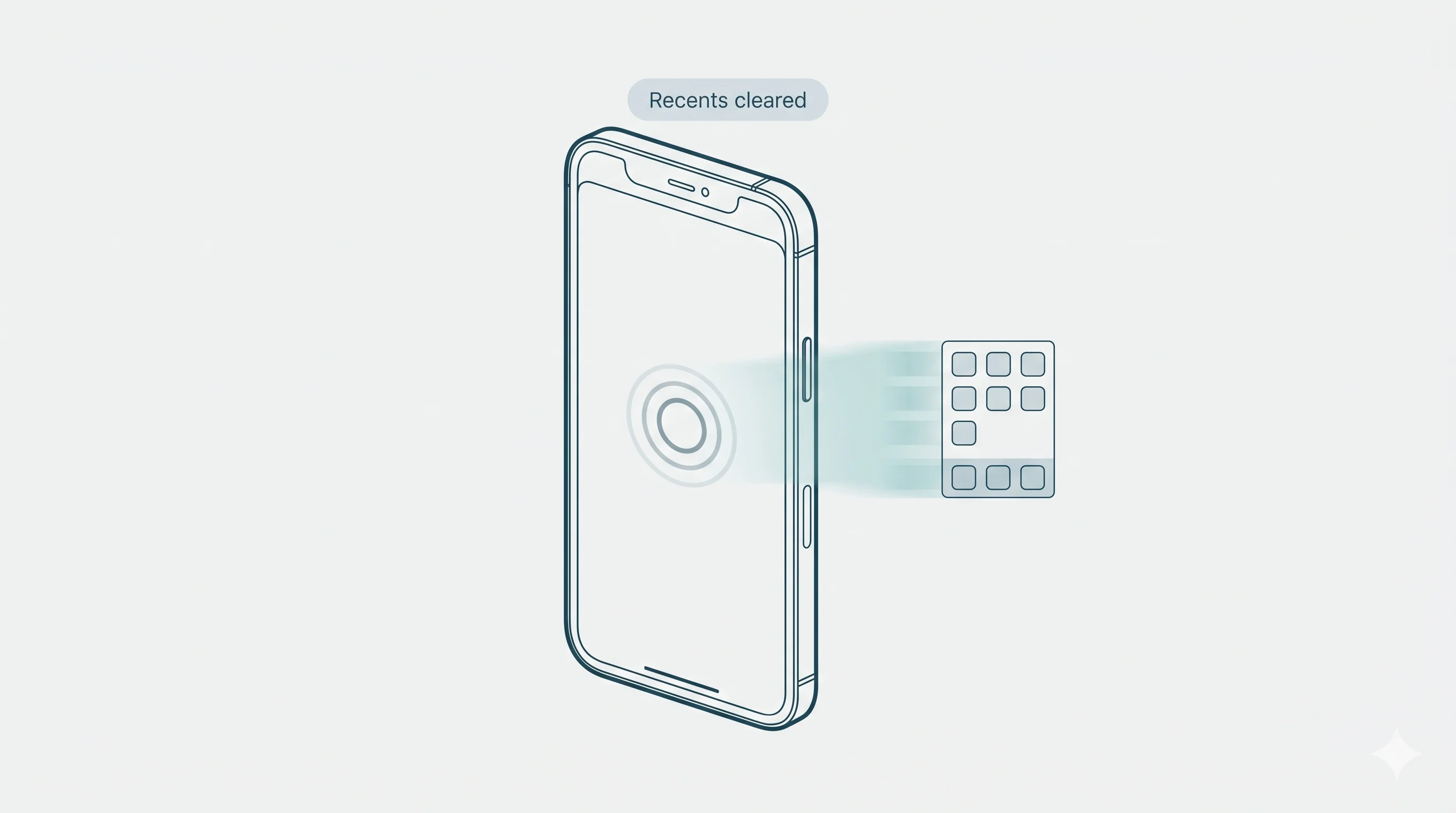
If someone walks into the room while you are using the app, you need to be able to close it in one motion, without leaving evidence in the recent apps switcher or the most-recently-used screen.
What to look for: A Quick-Exit gesture — a single, recoverable interaction (commonly a triple-tap, a long-press on a specific control, or a defined volume sequence) — that saves your current state, dismisses the app to the home screen, and clears it from the recent apps switcher in the same motion. Multi-step processes are not a substitute. The gesture must work the same on both iOS and Android.
6. Evidence preservation outside the app
DV survivors often need to document things that happen outside the co-parenting app — threatening texts on a personal number, voicemails, in-person incidents, missed pickups, or behaviors that an abusive co-parent will later deny. A safety journal that exists only on the device, is encrypted at rest, and is gated by biometric authentication gives you a place to record those events without your co-parent ever knowing it exists.
What to look for: A journal that is device-local only (not synced to the server), encrypted with the section locked behind device biometrics, and explicitly excluded from professional-portal access and from data exports the other parent could see. The platform should publish a written commitment to this — not only describe it in marketing copy.
7. Account control and visibility
The smallest details of an account can leak information. Online status indicators show when a survivor is awake or unavailable. Device fingerprints can be used to confirm someone has switched phones. Visible "Safety Mode is enabled" flags can betray the protective configuration itself.
What to look for: A platform that hides online status by default, does not surface device information to the other parent, and never indicates whether DV Safety Mode is enabled on the other account. The answer to all three should be no — and that should be documented.
What "safety features are free" should actually mean
Some platforms advertise safety features but gate the most useful ones behind a paid plan. If a survivor cannot afford the paid plan, they lose access to the features they need most. That is a failure mode the field has tolerated for too long.
For a platform to credibly market itself as DV-survivor safe, the following capabilities should be available on a free plan with no time limit and no trial gating:
- Covert app display (icon and name)
- DV-safe lock-screen notification content
- Automatic EXIF stripping on every uploaded image
- Single-gesture Quick-Exit
- A device-local, biometric-gated safety journal
- Hidden online status and device information
Treat any platform that paywalls these as a partial product, not a survivor-safe one.
Free help — call before you install
NDVH safety planning is free. If you are planning to leave, planning to file, or planning to use a co-parenting app for the first time with an abusive ex, talk to a trained advocate before you do. The National Domestic Violence Hotline is available 24/7 at 1-800-799-7233, and chat is available at thehotline.org.
How Parenting Path handles each of the seven risks
We are the publisher of this guide and the platform Parenting Path. We disclose that openly. The table below summarizes how Parenting Path's DV Safety Mode addresses each of the seven risks. All of these are free on every plan, including the free tier — a permanent commitment, not a promotion.
| # | Risk | What to look for | How Parenting Path handles it |
|---|---|---|---|
| 1 | App icon visibility | Covert app icon and neutral app name | Three covert icon options (Recipe Notes, Budget Tracker, Daily Journal); app name changes to match |
| 2 | Notification previews | Suppressed lock-screen content | DV-safe notifications display "New update available" — never sender or message body |
| 3 | Photo EXIF metadata | Client-side EXIF strip before upload | EXIF GPS, timestamp, and device data removed on-device before any upload reaches the server |
| 4 | Screenshot detection | Own-device only; co-parent never notified | Detection is local. You get a silent log entry. Your co-parent is not notified, ever |
| 5 | Emergency exit | One-gesture Quick-Exit | Triple-tap Quick-Exit saves state, closes the app, and clears it from the recent apps switcher |
| 6 | Evidence preservation | Device-local, biometric-gated journal | Safety journal is device-local, encrypted, biometric-gated, never synced to the server, never visible to the co-parent or a professional portal |
| 7 | Account visibility | Hidden status, device info, Mode state | Online status, device information, and DV Safety Mode status are not exposed to the other parent |
The features above are documented in our DV Safety Policy — a formal commitment, not a marketing claim. If you want to read what we have built specifically for survivors, see For DV Survivors.
Evidence built for attorney review. When documentation of a digital incident needs to leave the safety journal and become part of a custody record, Parenting Path's court reports generate an integrity-verified PDF of in-app communications. The safety journal itself is not exported and is never visible to a professional unless the survivor manually shares it.
Safety features are free. Always. Covert icon, EXIF strip, Quick-Exit, DV-safe notifications, and the device-local safety journal are on every plan, including Free.
See DV Safety Mode →Authority resources every DV survivor should bookmark
These are the organizations the field relies on for tech-safety planning. They are not affiliated with Parenting Path, and we recommend them before any product, including ours.
- National Domestic Violence Hotline (NDVH). 24/7 confidential support at 1-800-799-7233. Text START to 88788. Chat at thehotline.org. Their Technology Safety Planning guide is a strong place to start.
- NNEDV Safety Net Project. The National Network to End Domestic Violence runs the country's main tech-safety initiative. Their Resources for Survivors and tech-abuse toolkits cover phones, accounts, smart-home devices, location tracking, and online harassment in depth.
- RAINN. The Rape, Abuse & Incest National Network runs the National Sexual Assault Hotline at 1-800-656-HOPE and maintains crisis resources that overlap heavily with DV survivor needs.
- State and tribal coalitions. Every state has a domestic-violence coalition with local legal-advocacy and shelter referrals. NNEDV maintains a state coalition directory.
- VictimConnect Resource Center. For survivors of any crime, including stalking and tech-facilitated abuse: 1-855-484-2846.
Bookmark at least two of these on a device only you can access. If your phone is shared or monitored, bookmark them on a separate device — a library computer, a friend's phone, or a work-only device — and use a private browsing window.
Note: This article is informational and does not constitute legal, medical, or safety-planning advice. Confirm any safety decision with a trained domestic violence advocate before acting. National Domestic Violence Hotline: 1-800-799-7233.
Frequently asked questions
Bottom line
No technology can guarantee physical safety. Co-parenting apps with safety features are designed to reduce digital exposure and help preserve evidence. They are not a substitute for a safety plan developed with a trained DV advocate. National Domestic Violence Hotline: 1-800-799-7233.
Start free. Safety features included on every plan.
Parenting Path is launching on iOS and Android. Covert icon, Quick-Exit, EXIF stripping, and the device-local safety journal are free on every tier.
Join the waitlist →